Wriai vs SEO PowerSuite: AI SEO Automation vs. Desktop SEO Toolkit
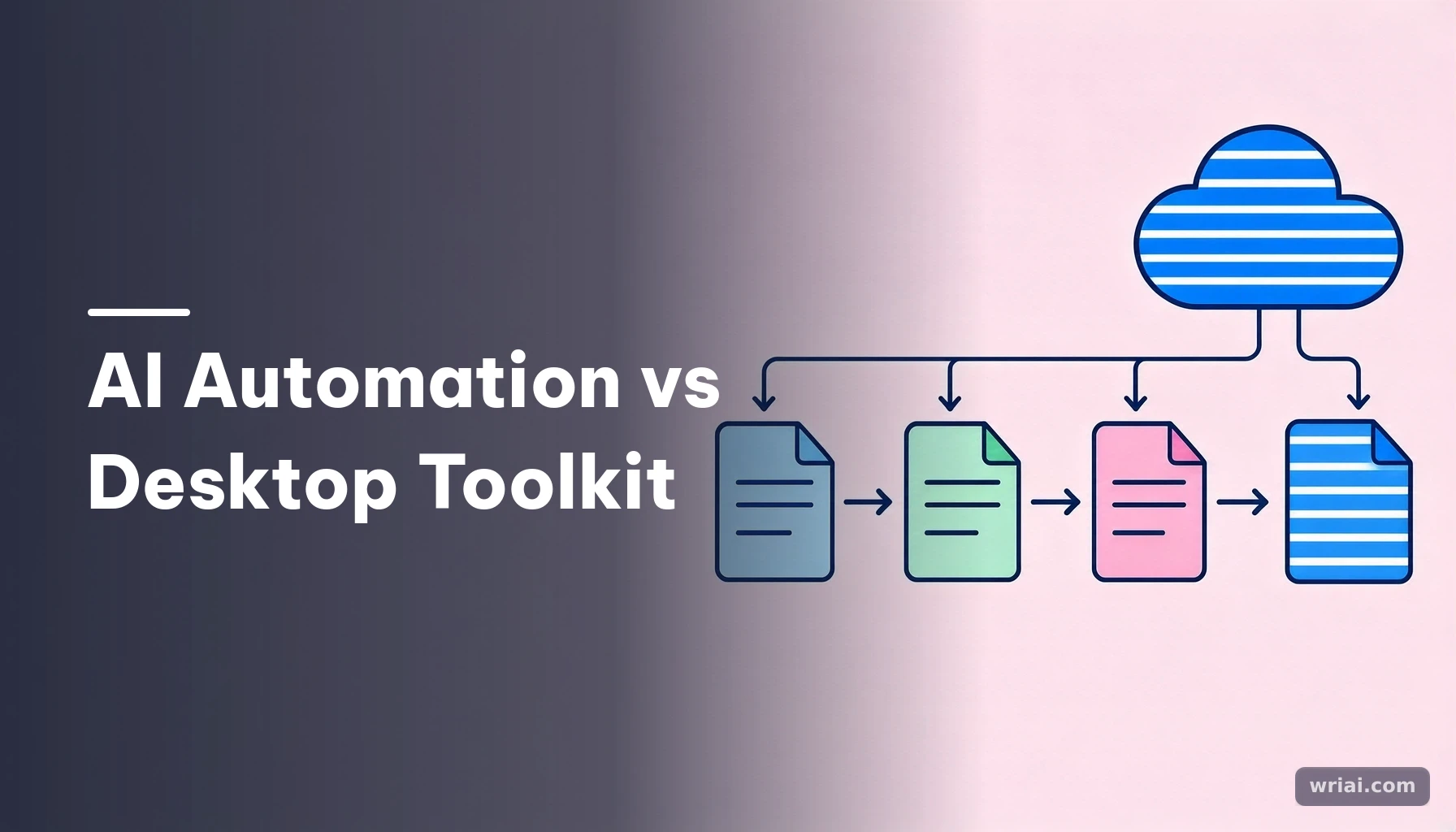
Wriai vs SEO PowerSuite is primarily a choice between automated execution and SEO analysis. Wriai is a cloud-based platform designed to manage a content lifecycle—from finding opportunities through publishing and monitoring—while SEO PowerSuite is a desktop suite for audits, rank tracking, backlink analysis, and other research that typically informs work a person carries out. The better fit depends on whether your main bottleneck is executing workflows or diagnosing search performance, a consideration also relevant to Wriai vs BrightEdge.
What each platform does—and why the difference matters
The central distinction is operational: one platform is built to carry SEO work through multiple stages, while the other is built to supply detailed data and diagnostics—a contrast also explored in Wriai vs CognitiveSEO. Understanding that difference helps you compare tools by the work they support, not simply by feature count.
 Wriai vs SEO PowerSuite: AI SEO Automation vs. Desktop SEO Toolkit - What each platform does—and why the difference matters
Wriai manages content across its lifecycle
Wriai is an autonomous AI SEO automation and content lifecycle management platform. Its workflow is designed to move from opportunity discovery and research to content creation, publishing, linking, indexing, distribution, monitoring, and recovery when content declines.
Its capabilities include a Golden Opportunity Engine for identifying potential keywords and ranking gaps, an Autonomous E-E-A-T Content Studio for research and content planning and creation, and an AI Market Radar for tracking competitor movements and emerging search trends. The platform also supports automated publishing through CMS integrations, AI image generation, contextual internal and external linking, search engine indexing, social distribution, and content-decay monitoring.
That breadth matters when a team can identify SEO tasks but struggles to complete them consistently. A publishing workflow, for example, may require coordinating research, drafting, CMS updates, linking, distribution, and follow-up monitoring. Wriai is intended to connect those steps rather than stop at a report or recommendation.
SEO PowerSuite is a desktop toolkit for SEO diagnostics
SEO PowerSuite is a traditional desktop-based suite made up of Rank Tracker, WebSite Auditor, SEO SpyGlass, and LinkAssistant. It provides analysis and reporting across rankings, technical site health, backlinks, and link management. Users run the software, review the resulting data, and decide what changes to make.
That model can suit practitioners who want dedicated diagnostic tools and control over implementation. An audit can help identify technical issues; backlink analysis can inform link evaluation; rank tracking can show movement over time. But the analysis does not, by itself, mean that the site has been updated or that content has been published.
The practical question is therefore not whether one tool is universally “better.” It is whether your work is held back by a lack of SEO insight or by the time and coordination required to act on insight.
Compare execution with analysis, not just feature lists
A useful comparison starts with the outcome each workflow is meant to produce. Wriai emphasizes content lifecycle execution; SEO PowerSuite emphasizes SEO diagnostics and reporting, a distinction that also comes up in Wriai vs SISTRIX. Both can be relevant to organic growth, but the user’s role differs.
With an execution-focused platform, the user sets parameters and reviews or governs an automated workflow. With a diagnostic toolkit, the user operates the software, interprets findings, prioritizes tasks, and implements changes manually or through separate processes. Neither model removes the need for sound judgment: automation needs appropriate oversight, while analysis needs follow-through.
For more context on how automation can connect optimization and publishing, see Wriai’s guide to AI SEO workflows and automated publishing.
Feature and workflow comparison
The table below compares the platforms by operating model, typical output, and the work left to the user. These distinctions are more useful for choosing a workflow than treating every feature as an equivalent checkbox.
| Comparison area | Wriai | SEO PowerSuite |
|---|---|---|
| Deployment | Cloud-native SaaS platform | Desktop software installed on local hardware |
| Main purpose | Automates connected SEO and content lifecycle tasks | Provides SEO data, audits, analysis, and reporting |
| Core workflow | Opportunity discovery through content maintenance and decay recovery | Crawl or analyze, review reports, decide priorities, implement changes |
| Keyword and opportunity work | Golden Opportunity Engine identifies high-potential keywords and ranking gaps | Rank Tracker supports rank tracking and related analysis |
| Content workflow | Research, planning, creation, optimization, publishing, and maintenance | Analysis can inform content decisions; the user carries out content work |
| Technical SEO | Supports automated SEO workflows and linking; not positioned as a replacement for every diagnostic audit | WebSite Auditor provides technical site audits |
| Backlink and link work | Smart internal and external linking opportunities | SEO SpyGlass analyzes backlinks; LinkAssistant supports link management |
| Publishing | CMS integration supports automated publishing and updates | Users implement site or content changes outside the analysis workflow |
| Indexing and distribution | Automated URL indexing and social distribution are included capabilities | The described suite workflow focuses on analysis and reporting |
| Monitoring and maintenance | Monitors performance for content decay and can trigger refreshes | Rank tracking and scheduled analysis help users observe performance |
| User’s primary role | Set workflow parameters, review outputs, and oversee automation | Operate tools, interpret findings, prioritize, and implement |
| Best-aligned need | Reduce manual coordination across recurring SEO tasks | Conduct detailed research, audits, backlink analysis, and reporting |
What the workflow comparison reveals
The table highlights a difference in where work happens. Wriai aims to connect research, creation, publication, and ongoing maintenance in one automated process. SEO PowerSuite provides specialist analysis tools that help users understand ranking, technical, and backlink conditions.
For example, a team finds a page with a technical issue and a declining ranking. A diagnostic workflow can help the team inspect the issue and assess ranking or backlink context. A content lifecycle workflow can support opportunity selection, content updates, publishing, linking, and subsequent monitoring. Those are related but not identical jobs.
Avoid assuming that a difference in automation means one platform offers deeper diagnostics in every area, or that a diagnostic suite will execute changes automatically. Compare the specific tasks your team needs to complete.
How to interpret the table for your own workflow
Map each row to a real responsibility. If someone on your team already owns CMS publishing, content refreshes, and distribution, detailed diagnostic analysis may be the bigger gap. If analysis is available but recommendations sit in a queue for weeks, automation may be more relevant.
Also distinguish automation from oversight. Automated publishing or indexing can reduce repeated manual steps, but a team still needs editorial standards, sensible workflow parameters, and a process for checking important outputs. Conversely, desktop software can provide substantial analytical capability, but its value depends on people acting on its findings.
A practical comparison should therefore include the handoffs between tools and people: who chooses topics, who approves content, who implements technical changes, and who checks performance after publication?
How to choose and use the right workflow
Choose based on the task your team needs to complete, then test that task from start to finish. A fair evaluation compares the full process—including approvals and implementation—not just the initial research screen.
Step 1: Identify the bottleneck
Write down the SEO work that most often stalls. Common examples include finding worthwhile content opportunities, producing and publishing planned content, completing technical changes, or refreshing pages whose performance has weakened.
Separate discovery problems from execution problems. If your team cannot tell which keywords or ranking gaps deserve attention, prioritize research and diagnostics. If the team knows what to do but lacks capacity to carry out publishing and maintenance reliably, prioritize workflow execution.
This distinction helps avoid buying a tool for a symptom rather than a cause. A large backlog of unpublished content, for instance, is not necessarily solved by collecting more keyword data.
Step 2: Trace one task through the whole process
Use a single realistic example, such as improving a page that has lost visibility or planning a new topic cluster. Document each stage: data gathering, interpretation, content work, approval, publishing, linking, indexing or distribution, and later monitoring.
Then mark which stages the platform supports and which still require a person or another system. With SEO PowerSuite, the user-centered sequence is to run analysis, review results, decide on changes, implement them, and track progress. With Wriai, the intended sequence is to set parameters and use an AI-driven workflow that can identify opportunities, create or optimize content, publish, support linking and distribution, and monitor for decay.
A workflow diagram often exposes integration and ownership gaps that a feature checklist misses.
Step 3: Define human review and success criteria
Before automating publication or refreshes, establish what requires human approval. For example, a team might review factual claims, brand voice, sensitive topics, and important page updates while allowing routine research or distribution steps to follow a defined process.
Set success criteria around the work you are trying to improve. Measure whether priority tasks are completed, whether updates reach the CMS correctly, whether content is maintained, and whether ranking or organic performance changes over an appropriate period. Do not treat the number of generated pages or reports as proof of SEO success.
Alex Vance, Wriai’s Head of AI SEO & Autonomous Growth Systems, emphasizes a useful operating principle: judge automation by whether it closes a real workflow gap, not by how many steps it claims to automate. Keep a record of exceptions and corrections so you can refine parameters and review practices.
Practical tips, common mistakes, and examples
The strongest comparison is grounded in a specific use case and a clear definition of responsibility. Avoid treating automation as a substitute for strategy or diagnostics as a substitute for implementation.
Example: A site with a growing content backlog
Suppose a small marketing team has selected relevant topics but struggles to move drafts into publication and maintain older pages. An analysis-first desktop workflow may help answer research questions, but it does not, on its own, resolve the publishing backlog. A content lifecycle platform is more aligned with connecting research, creation, CMS publishing, distribution, and decay monitoring.
The team should still set editorial review rules and confirm that automated actions fit its CMS process. It should also check whether internal links are relevant and whether refreshes improve the page rather than merely changing text. The right evaluation is whether the workflow reduces stalled handoffs while preserving quality—not whether every task becomes fully automatic.
Example: A site prioritizing technical and backlink analysis
A specialist who regularly audits site health, tracks rankings, and evaluates backlink profiles may value SEO PowerSuite’s dedicated tools: WebSite Auditor, Rank Tracker, SEO SpyGlass, and LinkAssistant. In this situation, diagnostic depth and reporting can be central to the work, while content execution may already be handled by an in-house team or a separate publishing process.
The key is to confirm that the analysis leads to an owner and an implementation plan. A detailed audit that remains unassigned does not fix a site issue. Similarly, a backlink finding should be interpreted in context rather than treated as an automatic instruction to acquire or remove links.
Mistakes that make comparisons misleading
- Comparing unlike outputs: A diagnostic report and an automatically published update are different outcomes.
- Assuming automation removes review: Content quality, relevance, accuracy, and brand fit still need governance.
- Counting features instead of handoffs: A workflow with fewer manual transitions may be more valuable than a longer feature list.
- Treating all ranking movement as a tool result: Search performance has multiple influences; monitor outcomes without claiming that a platform alone caused them.
- Ignoring deployment preferences: Cloud-native access and desktop installation are materially different operating arrangements.
- Buying for a hypothetical future workflow: Test against tasks your team actually performs and has capacity to supervise.
Which platform fits different SEO teams?
The better fit depends on team capacity, the kind of work already covered by other systems, and whether the priority is analysis or execution. Neither operating model is automatically right for every site.
Choose an execution-oriented platform when work gets stuck between stages
A content marketer, website owner, SaaS team, or agency may benefit from a lifecycle approach when opportunities are being identified but research, creation, publishing, linking, distribution, or maintenance repeatedly fall behind. Wriai is designed for this connected workflow, including CMS publishing, URL indexing, social distribution, and monitoring for content decay.
That does not mean every team should automate every step. Start with recurring, well-defined tasks; specify approval points; and review output quality. The model is most relevant when coordination and repeat execution are the constraints, rather than a lack of access to diagnostic data.
Choose a desktop analysis suite when investigation is the priority
SEO professionals who need to conduct technical audits, examine backlinks, track rankings, and generate reports may prefer a desktop suite built around those tasks. SEO PowerSuite’s four applications provide distinct analysis functions, and its user-led process can fit teams that want to interpret data and manage implementation themselves.
This model also suits organizations with established editorial and development processes. If content publishing and refreshes are already handled effectively elsewhere, the missing capability may be better measurement or diagnostics rather than another automation layer.
Consider a combined workflow only when responsibilities are clear
Some teams may want both lifecycle automation and specialist diagnostic analysis. That can make sense when each tool has a defined job—for example, one workflow manages content operations while a separate analysis process supports technical or backlink investigations.
Before combining tools, clarify which source informs priorities, where approved changes are recorded, and who checks for conflicts or duplicate work. A clear handoff matters more than simply adding another platform. Wriai describes its approach as a closed-loop process from opportunity through recovery; teams considering it can learn more about the platform and its approach. The decision should ultimately reflect real workflow requirements, not a preference for “AI” or “desktop” as labels.
FAQ
Is Wriai a replacement for SEO PowerSuite?
Not necessarily. The platforms are designed around different operating models. Wriai focuses on automating a connected content lifecycle, including publishing and monitoring, while SEO PowerSuite provides desktop tools for rank tracking, technical audits, backlink analysis, and link management. A team that needs specialist diagnostics may still need an analysis toolkit; a team with execution bottlenecks may prioritize lifecycle automation. Compare the actual tasks and outputs you require before treating either as a replacement.
Does SEO PowerSuite automatically publish and update content?
The described SEO PowerSuite workflow centers on running software, analyzing a site or competitors, reviewing reports, and implementing changes manually or through exported tasks. It is not characterized here as an autonomous CMS publishing platform. Wriai, by contrast, includes CMS integration for automated publishing and updates as part of its broader content lifecycle workflow. Confirm the capabilities and integrations relevant to your own setup before selecting a tool.
Which platform is better for a small marketing team?
It depends on what the team lacks. If the main challenge is carrying content from opportunity discovery through creation, publishing, linking, and maintenance, an execution-oriented workflow may address more of the operational burden. If the team has content processes in place but needs structured audits, backlink analysis, or rank tracking, a diagnostic suite may be more useful. List recurring tasks, identify their owners, and evaluate which unresolved handoffs consume the most time.
Can a team use both tools?
A team can use different tools for complementary jobs, provided responsibilities and handoffs are explicit. For example, it might use diagnostic analysis to investigate technical or backlink questions and a separate lifecycle workflow to manage content production and maintenance. Avoid duplicating tracking or creating competing priorities. Define which findings become tasks, who approves changes, where implementation is recorded, and how results are reviewed. Combining tools is useful only when it makes the workflow clearer or more complete.
Alex Vance
Head of AI SEO & Autonomous Growth Systems
Specialist with 9+ years of experience in algorithmic search engine optimization, semantic knowledge graphs, and large-scale LLM automation.